Skip to content
Hub to Hub Solutions home

AI Hub

Custom AI tools and integrations

Custom AI tools are small, focused applications that use models like OpenAI's GPT to do a specific job inside your business, such as reading documents, drafting replies, summarising calls or sorting leads. HTH designs and builds these tools and connects them to your CRM, inbox and databases. They're for teams with a repetitive, text-heavy task that an off-the-shelf app doesn't quite fit.

Typical timeline
A prototype in 1 week, production in 2 to 6 weeks depending on scope.

Who it's for

Who it's for

  • Teams processing documents, forms or emails by hand
  • Sales teams that want call summaries and next steps in the CRM
  • Agencies building AI features into their own products
  • Businesses that want an internal assistant trained on their own documents

The problem

AI could do the job, but generic chat apps don't fit your workflow.

Your team copies text into ChatGPT, copies the answer back, and fixes the formatting. It works, but it's manual, inconsistent and nothing is saved where it needs to be.

What we deliver

What you get with Custom AI tools and integrations.

  • 01

    Use-case scoping

    We define the task, the inputs, the expected output and how we'll judge it's working.

  • 02

    Prompt and model design

    Prompts, structured outputs and model choice tuned for accuracy and cost.

  • 03

    Integration

    The tool runs inside your existing systems: CRM, inbox, forms, Airtable, Supabase or your app.

  • 04

    Simple interface

    Where needed, a small web interface built in Next.js for your team to use.

  • 05

    Evaluation

    A test set of real examples so quality is measured, not guessed.

Tools we use

  • OpenAI API
  • Next.js
  • Supabase
  • n8n
  • Make
  • Vercel

Process

Four steps from first call to live system.

  1. Step 1

    Define

    We pick one task, gather real examples and agree what a good result looks like.

  2. Step 2

    Prototype

    A working prototype in days, tested on your examples.

  3. Step 3

    Build

    We harden it, connect it to your systems and add logging and error handling.

  4. Step 4

    Measure

    We check accuracy and cost against the test set and keep improving.

Related work

AI systems we've built.

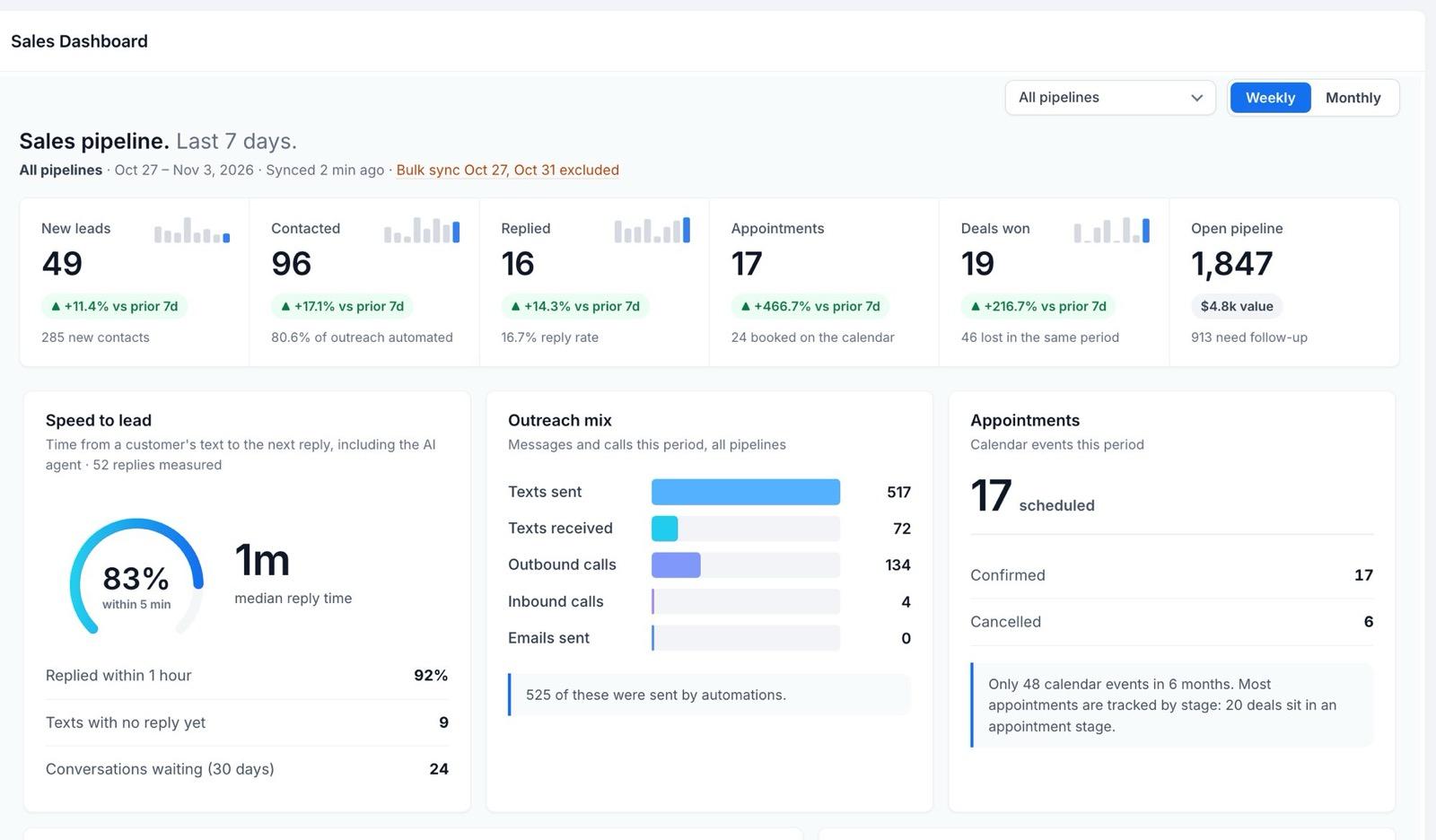
  • Roofing sales dashboard with new leads, contacted, replied, appointments, deals won, speed to lead and outreach mix

    Roofing and home services · CRM and Automation + AI

    One record for every roofing lead, from first click to paid job

    We made JobNimbus the single source of truth for a US roofing company and connected GoHighLevel, SalesRabbit and an operations app to it, with instant follow-up and AI booking agents on every lead page.

    167Old jobs with sale values recovered
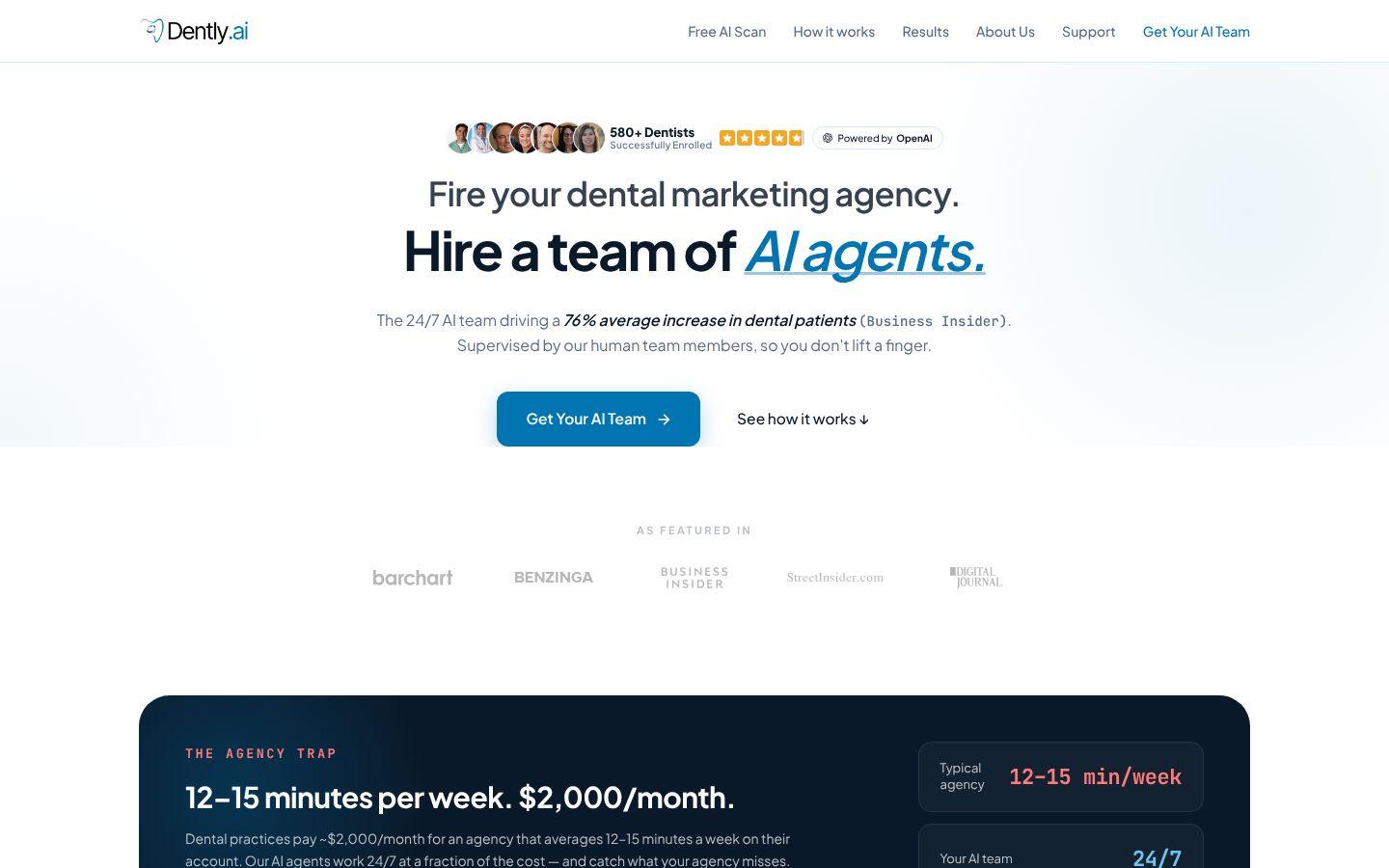
  • Dental growth platform website: Fire your dental marketing agency. Hire a team of AI agents.

    Dental growth · AI + CRM and Automation

    An AI diagnostic that scores a dental practice and books the sales call

    For a platform that grows dental practices with AI agents, we built the diagnostic that scans a practice online, scores it across 7 growth dimensions and books the call, plus a voice advisor and the onboarding pipeline that runs once a practice signs.

    7Growth dimensions scored per practice

FAQ

Questions about Custom AI tools and integrations

Is our data used to train the AI?

Data sent through the OpenAI API is not used to train their models by default. We also minimise what's sent and can keep sensitive data on your own systems.

Do you only use OpenAI?

OpenAI is our default, but we choose the model per task and can use others where they're a better fit for cost, speed or data rules.

Who owns the tool?

You do. It's built in your accounts and you get the code and documentation.

Also in the AI Hub

Let's scope your Custom AI tools and integrations.

A 30-minute call. We look at how leads reach you today and where they go cold, and you leave with a plan whether you hire us or not.

Or email hubtohub12@gmail.com